Step-by-step guides for editing, exporting, hosting, and syncing your portfolio.
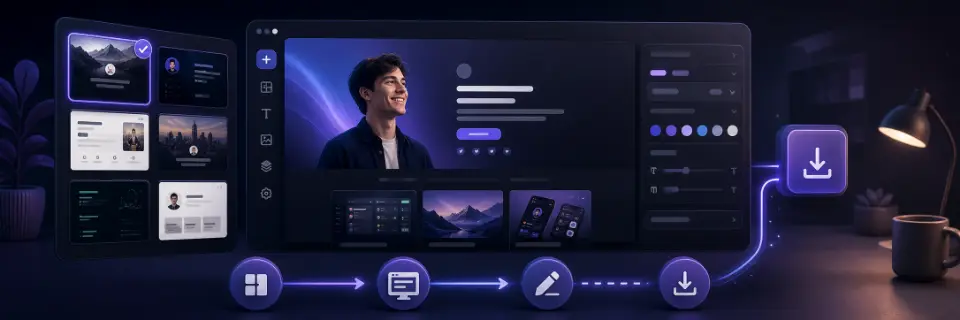
Build your first portfolio by choosing a template, replacing the sample content, checking the preview, and exporting the finished files for free.
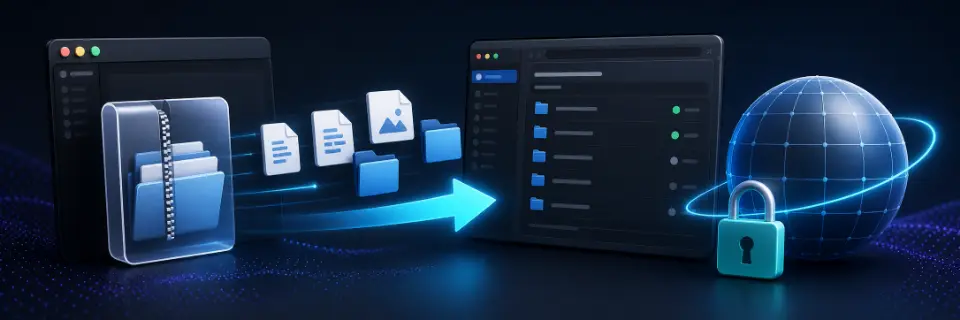
Deploy a PortfolioDIY static export to GitHub Pages and publish your portfolio at your GitHub username address with HTTPS using browser uploads.
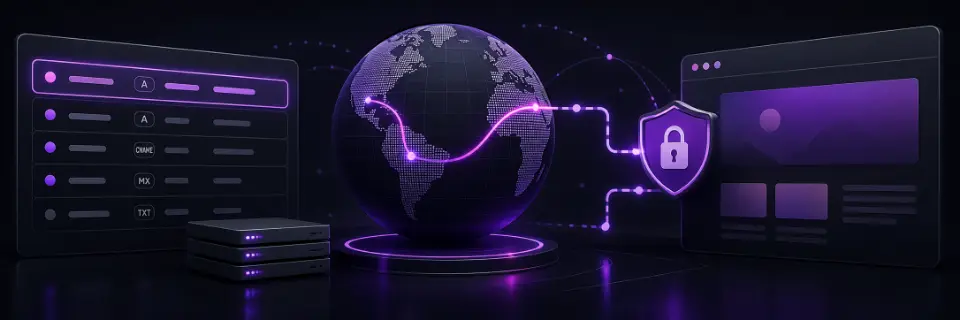
Connect a custom domain to a PortfolioDIY export on GitHub Pages, Netlify, Cloudflare Pages, Vercel, or another web host for your live portfolio.
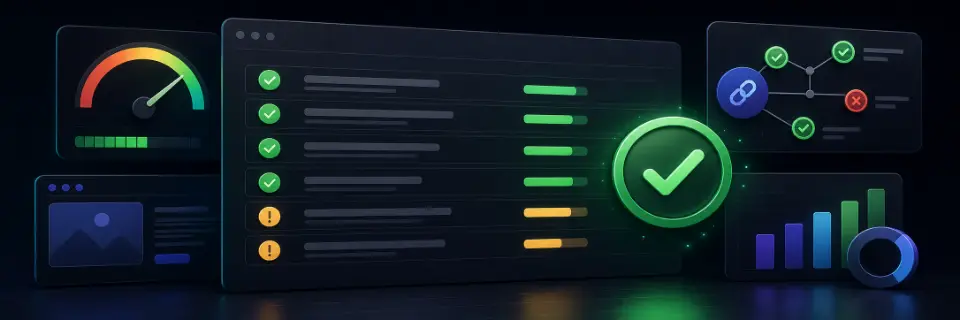
Use the PortfolioDIY recruiter checklist to fix missing calls to action, low contrast text, heavy images, and broken links before sharing online.
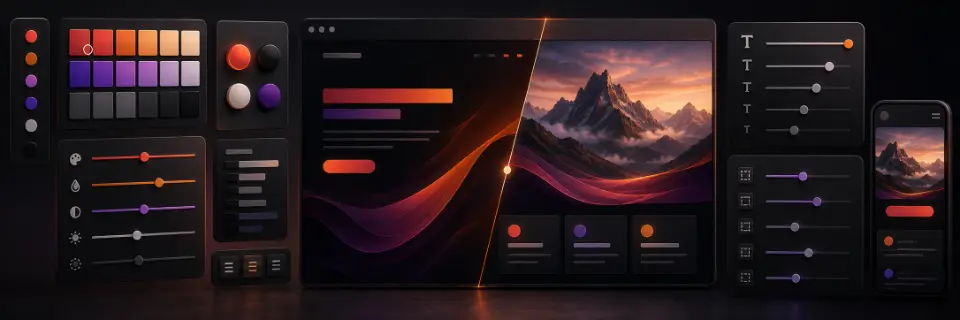
Use PortfolioDIY design tokens to adjust color, typography, spacing, radius, and shadow without breaking your portfolio layout as you edit safely.
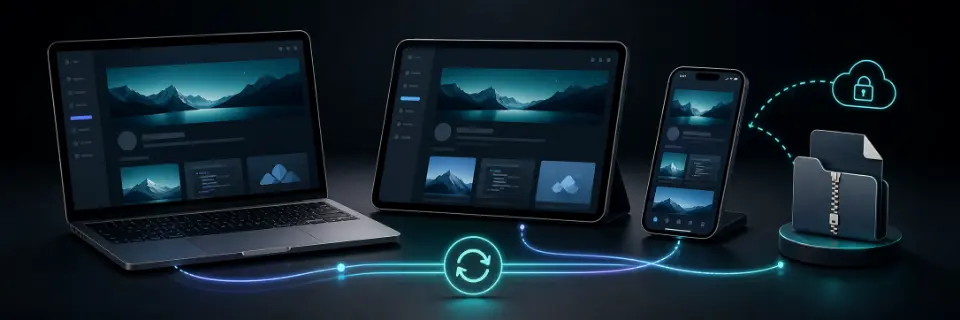
Learn how PortfolioDIY guest sessions, account sync, and exported ZIP backups help you move between devices without losing work.