Pass the recruiter checklist
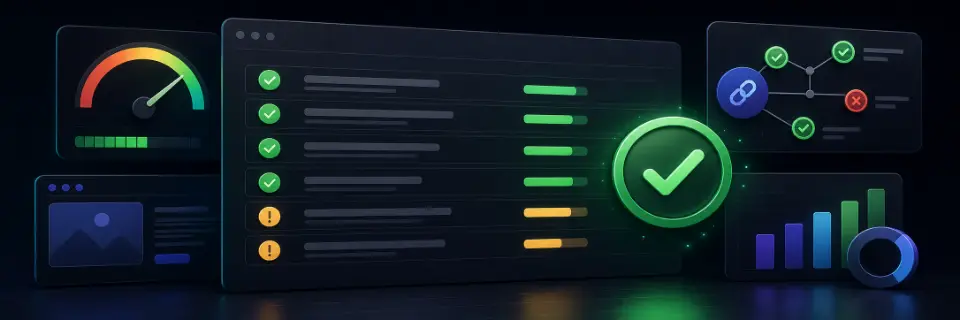
The checklist panel runs a rule-based review while you edit. Every flag names the exact field to fix. This tutorial explains what each rule checks and how to clear it before you share the site.
In this tutorial
Missing hero call-to-action
The loudest flag, and the highest-leverage fix in the product. Reviewers spend seconds deciding whether to keep reading; if the first screen doesn't offer an obvious next action — "View my work", "Email me" — most simply leave.
Fix it in the hero section's button fields: one primary action, pointed at your projects or your inbox. Resist adding three buttons; one clear action outperforms a menu.
Low contrast text
Flagged when text fails WCAG contrast against its background — grey-on-grey body text is the usual culprit after heavy color customisation.
Fix it in the Style tab: nudge your text or background color until the flag clears. If you customised the primary color, check buttons too — white text on a pastel needs a darker shade.
Tip: Contrast isn't just accessibility box-ticking — low-contrast text is genuinely hard to skim, and skimming is all a first visit gets.
Heavy images
Images over the weight budget slow your first load, and the first load is the whole game. The flag names the exact image.
PortfolioDIY optimises images on upload, so this flag usually means a very large original. Re-upload a reasonably sized version — for project screenshots, anything wider than ~1600px is wasted bytes.
Broken links
The checker requests every external link in your content. A typo'd GitHub URL in front of a recruiter is worse than no link at all — it reads as carelessness on the one page meant to prove care.
Fix the flagged field and watch the flag clear. Check the easy-to-miss ones: social links in the footer, the résumé link in the nav.
Re-run and export clean
The checklist runs live, so there's nothing to re-trigger — clear flags as you edit and watch the score ring climb.
Export with zero flags and the mechanical layer of your portfolio is sound. What remains — the writing, the work itself — is yours.
Reference-style reading instead? See the documentation.